Copying Display Item Data
You can copy the values from a Dashboard item to paste them in another application. For example, you may wish to copy the data for a Display Item into a spreadsheet.
To copy Display Item data:
- Move the mouse over the item title to display the configuration Menu.
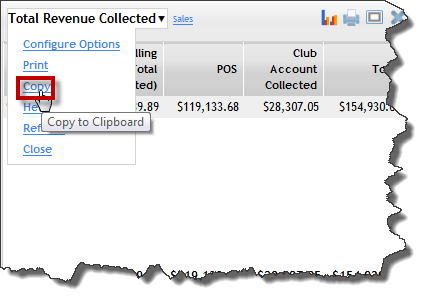
- Click Copy.
- If Internet Explorer shows a warning, click Allow Access.
- Switch to the second application, and either right-click or press CTRL + V to paste the data.
 © 2026 ABC Fitness Solutions, LLC.