Saving a Favorite with an Existing Name
To save a Favorite using an existing name:
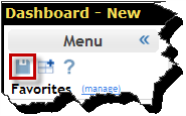
- Click the Save Favorite button in the Sidebar Menu. If necessary, display the Sidebar menu. For more information, see Showing the Sidebar Menu.
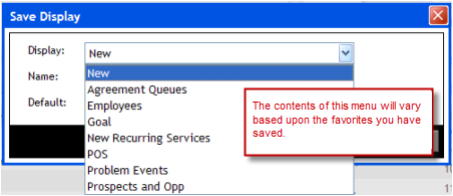
- Select the name to use from the Favorite menu.
- Click OK.
Saving a Favorite with an existing name is the same as using the “Save As” function in many other programs. You will replace the contents and settings of the Favorite you select.
 © 2024 ABC Fitness Solutions, LLC.