Using the Card Reader
Once the initial setup is complete, you may begin using the card reader to obtain the member's information for registration.
To use the card reader:
- Make sure that the card reader is fully inserted into the headphone jack and ready for use.
- Verify that you are using the correct club, and then select the desired plan. The link at the top of the page will allow you to switch between available clubs.

- Once the Payment Options section is shown on screen, swipe the credit card.
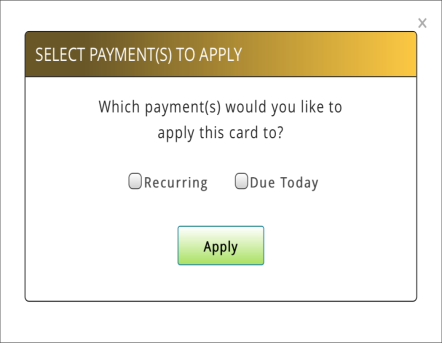
- If the Recurring and Due Today sections are both available on the selected plan, a dialog box will prompt you to select where the card should be applied. Tap either or both checkboxes as appropriate, and then tap Apply.
- Once the credit card information is successfully populated, complete the sign up process as you would normally.