You can deploy individual items or groups of items to clubs from the Manage Catalog Items page.
Only active items can be deployed. See Activating and Inactivating Items.
To deploy active items to clubs:
- Open the Setup Menu.
- From the Inventory submenu, select Catalog Items.
- Set Status to Active. If necessary, enter other search criteria to narrow your search.
- Click Search.
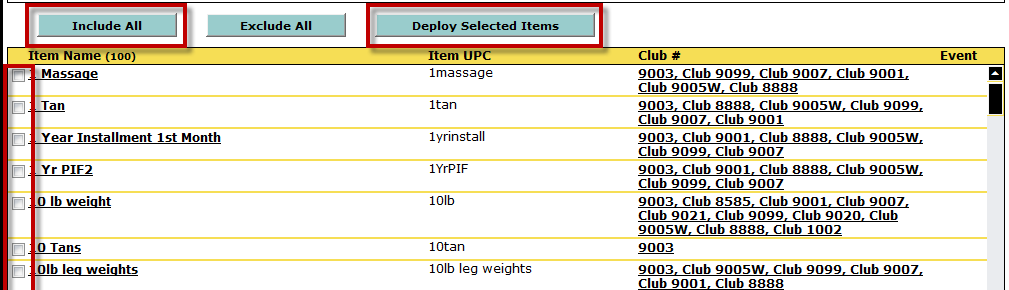
- Check the box next to the names of the items you want to deploy or click Include All to select all items in the list.
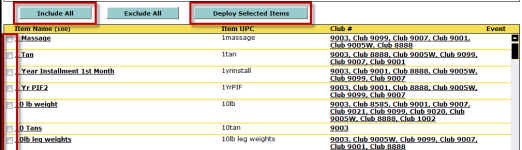
- Click Deploy Selected Items.
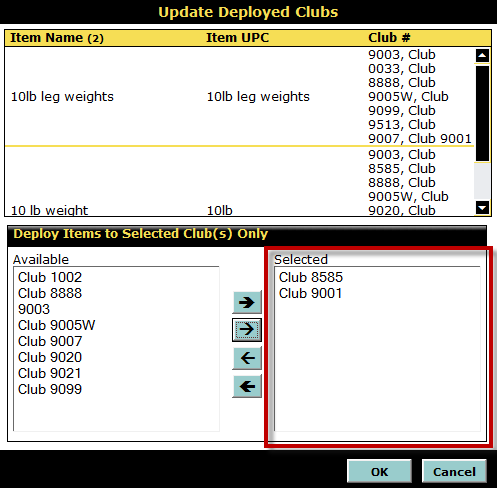
The Update Deployed Clubs dialog box will open. The top half of the dialog box lists the items you have selected and the clubs to which they have already been deployed, if any. - Move the clubs to which you want to deploy these items to the Selected list.
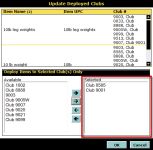
- Click OK.
The items have now been deployed to the selected clubs, where they can be managed.
 © 2026 ABC Fitness Solutions, LLC.