Opening the Dashboard
You can find the Club Performance Dashboard and Dashboard 2.0 in the Reports section of the DataTrak menu.
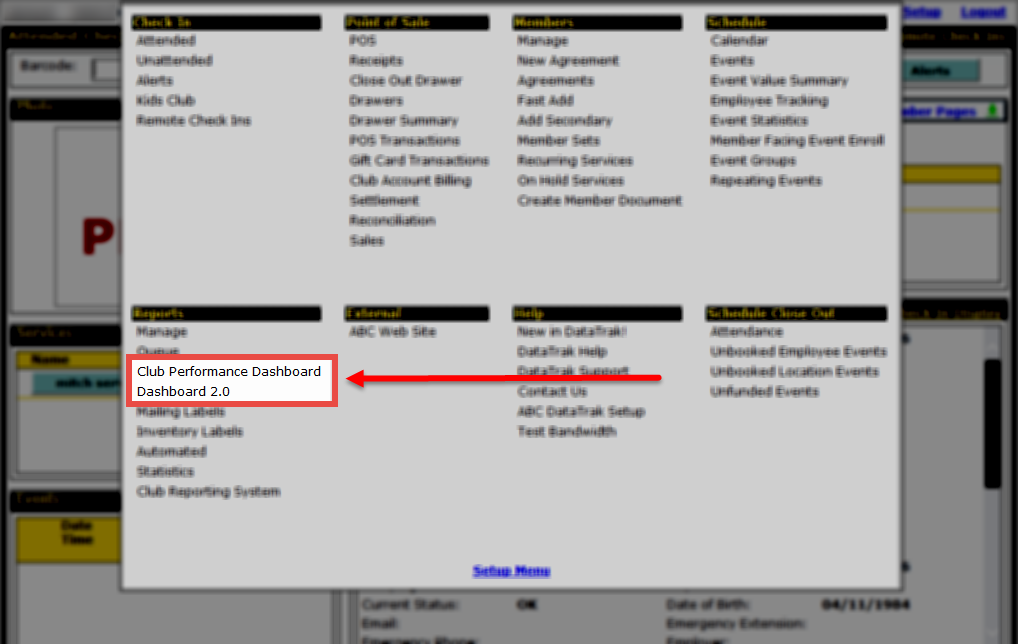
To open the Dashboard:
- Point to the main Menu.
- In the Reports submenu, click Club Performance Dashboard.
See also Setting the Dashboard to Open When DataTrak Starts.
 © 2024 ABC Fitness Solutions, LLC.