Using the Club Performance Dashboard
This section provides step-by-step instructions for using the Club Performance Dashboard.
Also see the documentation for Dashboard 2.0.
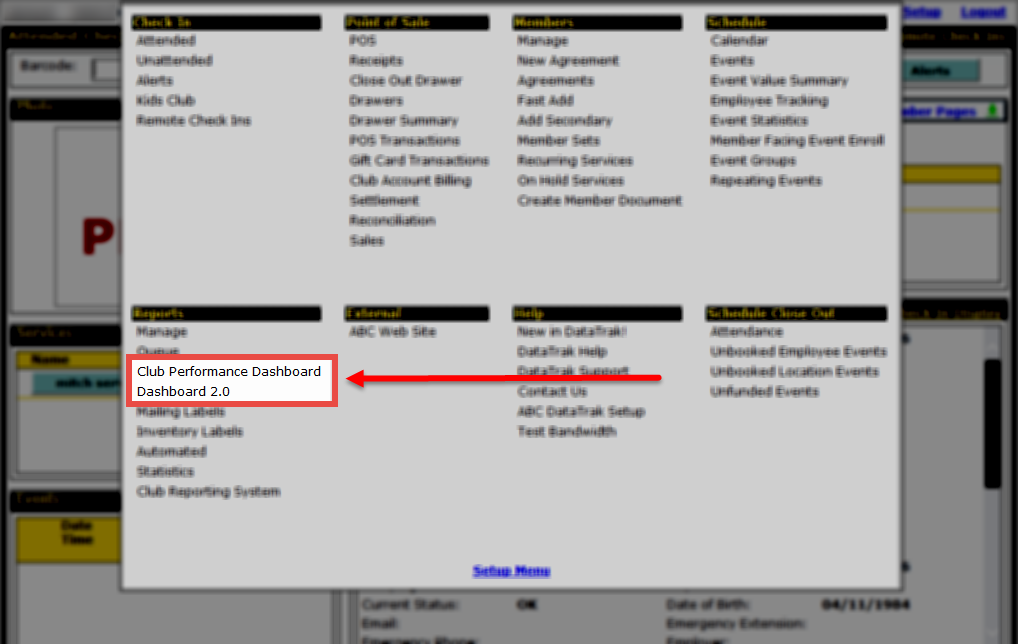
- What is the Dashboard?
- Opening the Dashboard
- Setting the Dashboard to Open When DataTrak Starts
- Using the Dashboard
- Working with Favorites
- Creating a New Favorite
- Adding Items to a Favorite
- Removing Items from a Favorite
- Saving Favorites
- Making Default Favorites
- Deleting Favorites
- Changing Item Sizes on a Favorite
- Using the Sidebar Menu
- Menu Sections
- Hiding the Sidebar Menu
- Showing the Sidebar Menu
- Working with Item Categories
- Understanding a Display Item's Contents
- Identifying the Current Dashboard Favorite
- Identifying the Data on a Display Item
- Getting Help with Display Items
- Configuring Items
- Using Item Drop-Down Configuration Menus
- Selecting Clubs, Views, and Filters
- Refreshing Data
- Using Drill-Down Links
- Sorting Item Data
- Working with Goals
- "More Information" Link
- Display Items
- Club Performance
- Actual vs Goal
- Compare Periods
- Trend Analysis
- Usage
- Employees
- Commissions
- Employee Schedule
- Employees on Clock
- Event Service Balance
- Tiered Sales Commissions
- Inventory
- Inventory Levels
- Members
- Agreement Queues
- Check Ins
- Electronic Agreements
- Event Opportunities
- New Agreements by Source
- New Prospects
- Sales/Receivables
- abc Billing
- Agreement Queues
- Commission Overrides
- Event Opportunities
- New Recurring Services
- POS
- POS Exceptions
- POS/Check In
- Recurring Services Summary
- Tiered Sales Commissions
- Top 10 Sale Items
- Total Revenue Collected
- Scheduling
- Employee Schedule
- Event Opportunities
- Event Service Balance
- Events
- Problem Events
 © 2024 ABC Fitness Solutions, LLC.